


Recent resources & tools
A variety of tools and Ebooks with tips and tricks to help you enhance your workflows and speed up your processes.
-
Scales Brushes Pack
Regular price From $36.00Regular priceUnit price per -
CharLumi Character Lighting Scenes
Regular price From $18.00Regular priceUnit price per -
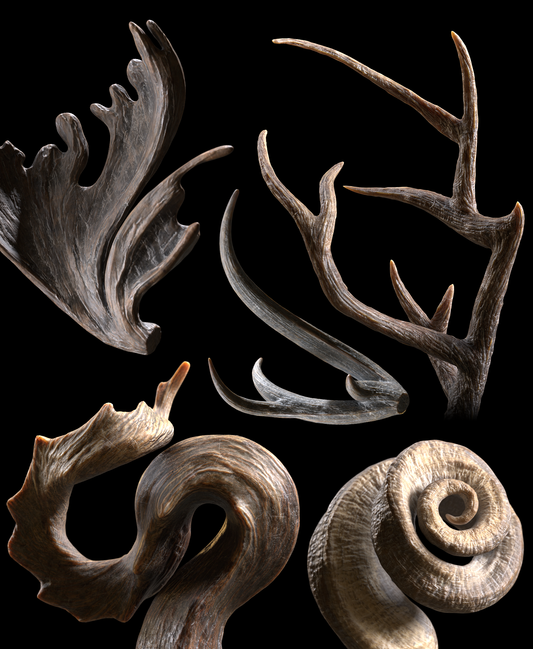
Horns & Antlers Pack
Regular price From $36.00Regular priceUnit price per


-

Amazing brushes
As always your brushes are so helpful and amazing! It’s always exciting when you release a new set. I use your brushes in all my work and can’t wait to use the new insect brushes!
-

Incredible!
These take your model and make the design shine brilliantly! Great for clients who often need a more simplified view of a design. Bringing them into a sketch version really helps plus all of the other filters just look awesome!
-

First initial thoughts
Brushes are amazing for iterations. Perfect for what I am trying to achieve and a good starting point, I am still trying to get cloth simulation to my liking. Great brushes!


Meet RadialZ
The radial menu for ZBrush 2026 that gets out of your way.
Sculpting works best when nothing breaks your concentration. RadialZ is built around that. Set it up once, and brush selection stops being a decision. Your hands learn where everything lives, and the app quietly disappears into your workflow.
No more dragging across the screen to find a brush. No more scrolling through palettes mid stroke. Just one gesture, the right tool, and back to the sculpt.
Set it and forget it. The only thing you should be thinking about is the work.
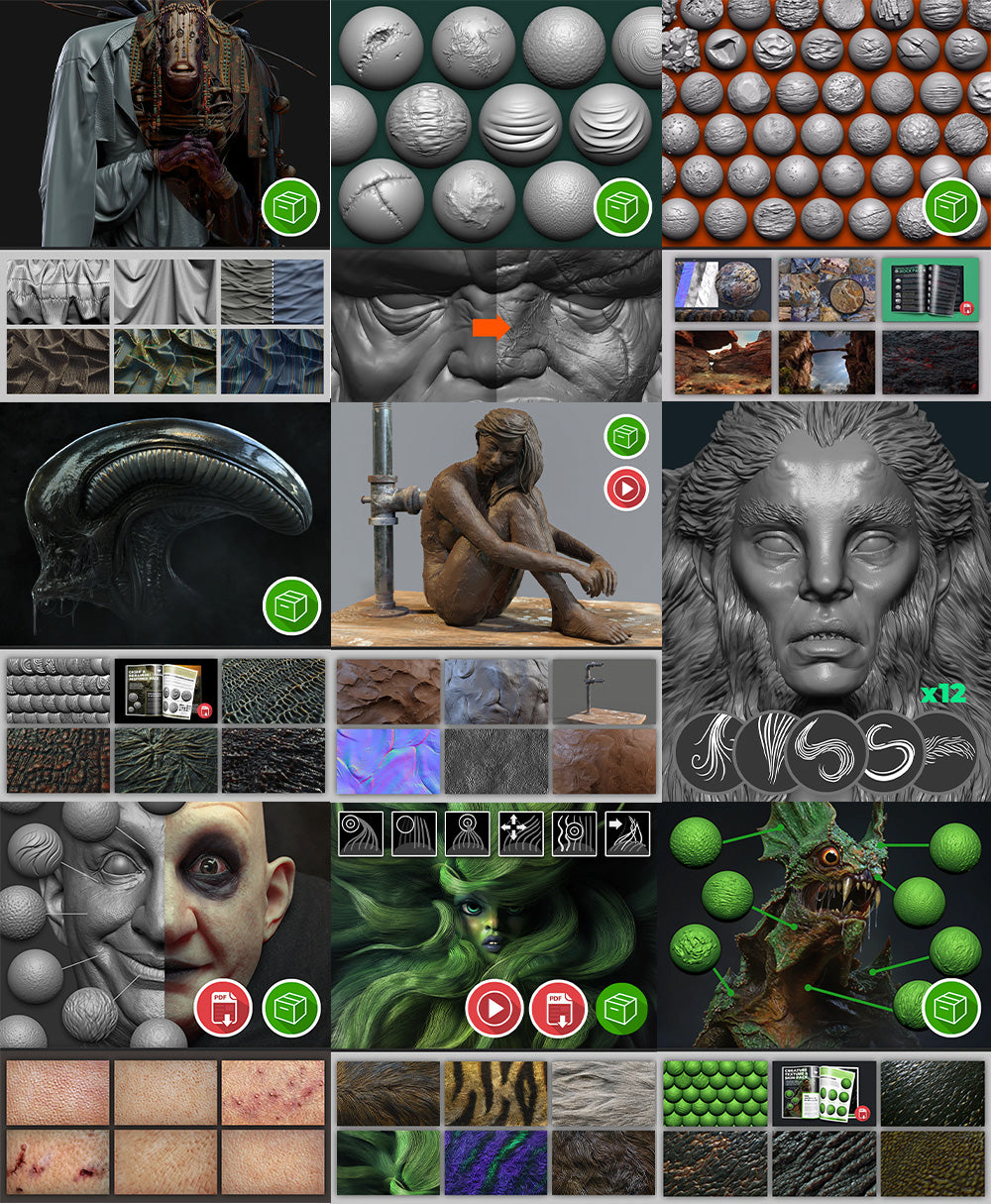
Check out the full catalogue of brushes
The idea behind any of the brushes packs, is to help you speed up workflows and discover new ways to detail and refine your ZBrush sculpts. Keep in mind that the effects of some brushes can easily be tweaked to fit other type of details.
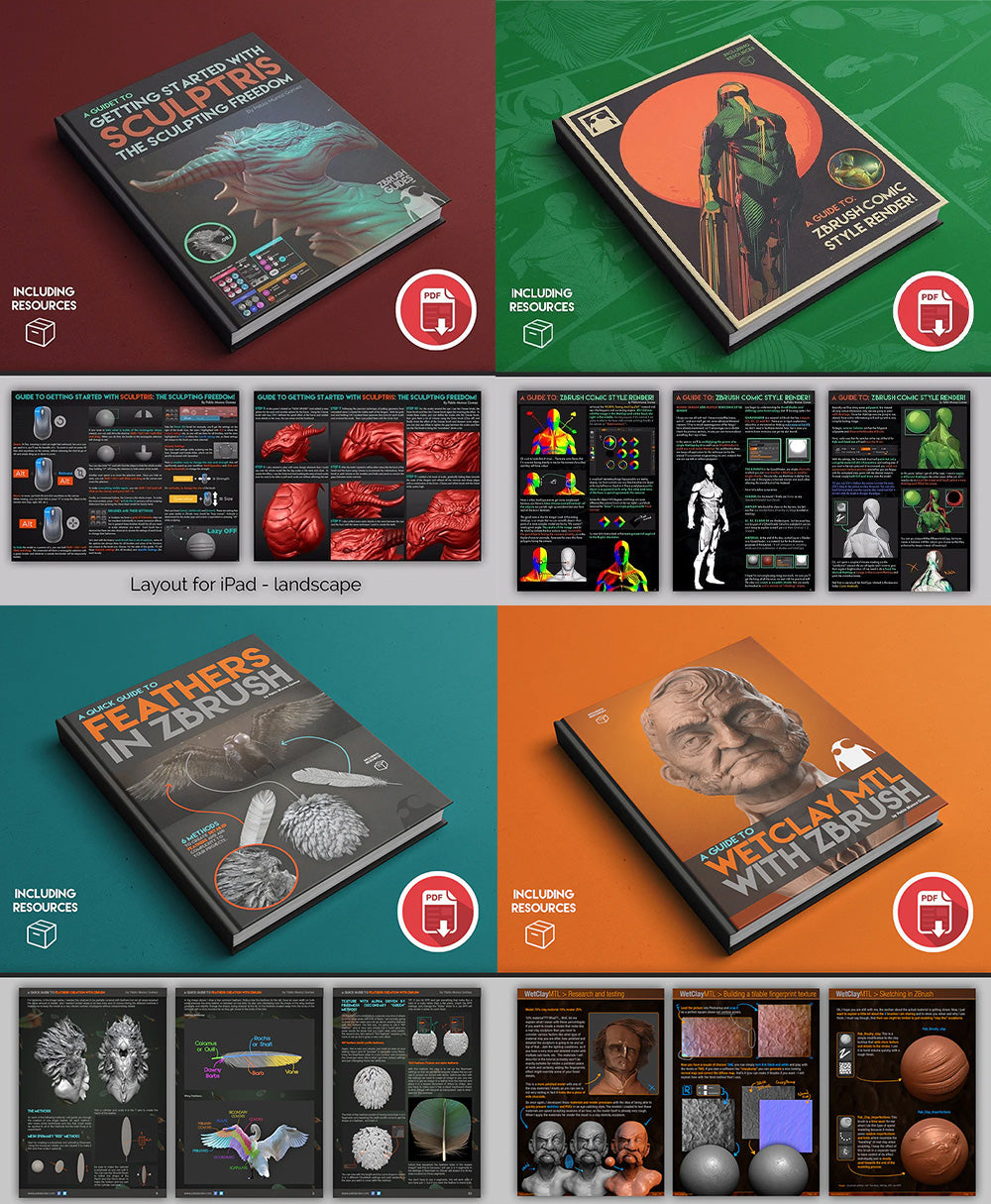
Ebook guides!
This collection of free eBooks is among the very first Guides and tutorials that gave life to the Pablander Academy website. Their content is still totally relevant and you can dive deeper into very specific workflows!
Looking for something else?
If you’re after more structured learning… like full courses, step-by-step workflows, or even more in-depth free tutorials… head over to Pablander.Academy and explore everything there.
-

Pablander Academy
Pablander.AcademyDiscover tutorials, resources, and tools to support and improve your 3D journey
